
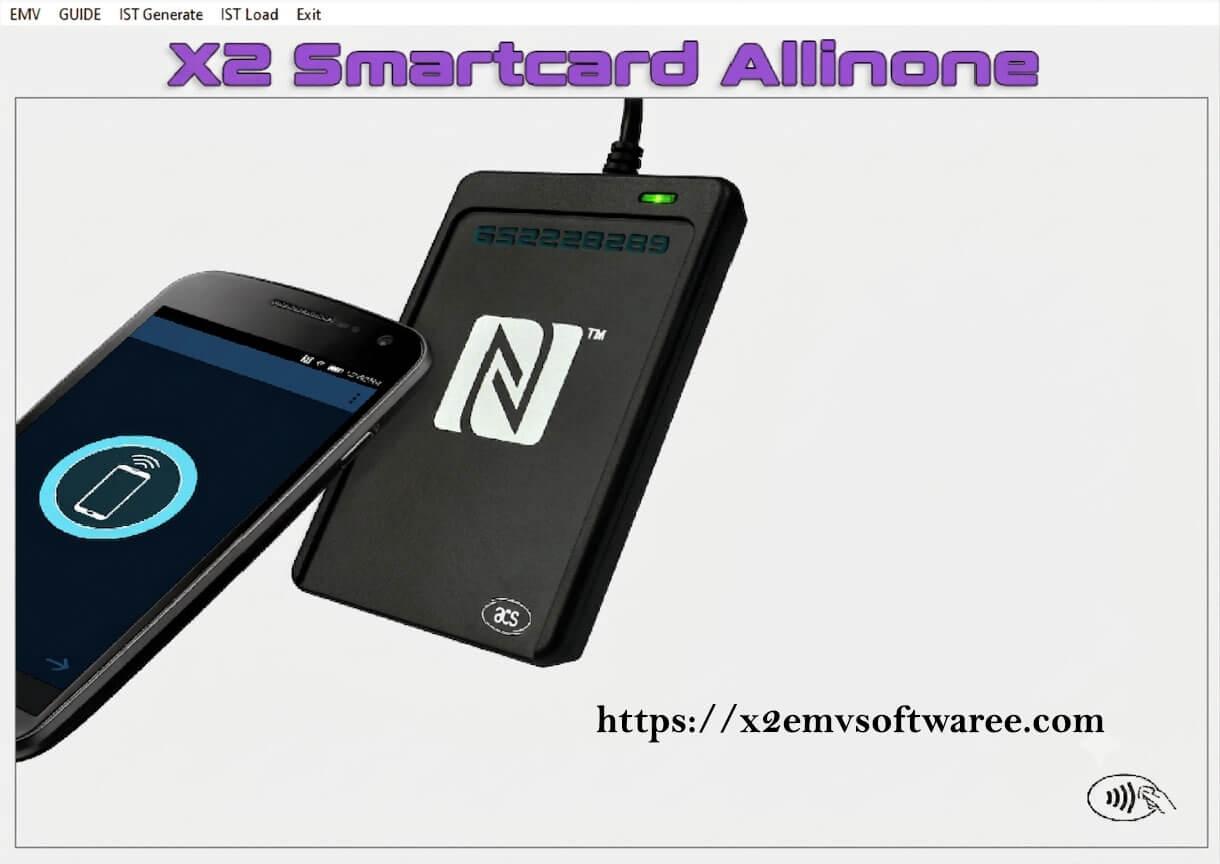
X2 EMV Software 2026
We offer the latest version of X2 EMV software at a competitive price, complete with lifetime updates, full customer support, and a detailed user guide.
X2 EMV Software 2026 Tutorial:
X2 EMV Software – 2026 Edition:
Everything you need is included in this software bundle: powerful tools along with easy-to-follow guides to help you at every step.
X2 EMV Software All-in-One 2026 Bundle Includes:
-
X2 EMV SOFTWARE ALLINONE 2026
-
IST TOOL COLLECTION
-
CARD VALIDATION SYSTEM
-
JCOP MANAGEMENT TOOL
-
SDA CHIP WRITER
-
CURRENCY CODE DATABASE
-
MAGNETIC CARD READ/WRITE TOOL
-
JCKIT (JAVACOS)
-
MSRX UTILITY
-
JCOP (ENGLISH EDITION)
-
SMART TOOL PLUS
-
BP-TOOLS SUITE
-
OVERVIEW OF SMARTCARD TECHNOLOGY
-
ARQC GENERATOR
-
CARD EXPLORER UTILITY
-
REQUIRED RUNTIME COMPONENTS
-
IST FILE LIBRARY
-
CARDPEEK VIEWER
-
CARDING DUMP GUIDE
-
PYAPDU UTILITY
-
X2 EMV SOFTWARE TUTORIAL
-
SMARTCARD TUTORIAL VIDEO
-
ARQC GENERATOR WALKTHROUGH
-
ATR TOOL VIDEO GUIDE
-
JCOP TUTORIAL (ENGLISH VIDEO)
-
BP-TOOLS VIDEO GUIDE
The software suite includes all the essential tools and instructions needed for proper reading and writing. All components must be used for the ATM to function correctly.
What Is X2 EMV Software?
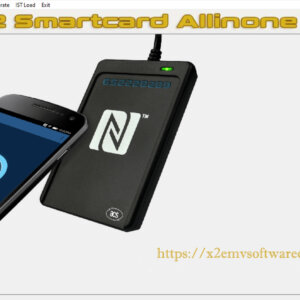
The X2 EMV Smart Card Chip Reader/Writer software is designed for authorized smart-card testing, secure data handling, and EMV development environments. It supports compatible chip cards such as J2A040 40K and JCOP21 36K, helping technicians, developers, and security teams manage card data for legitimate testing, personalization, and compliance-related workflows.
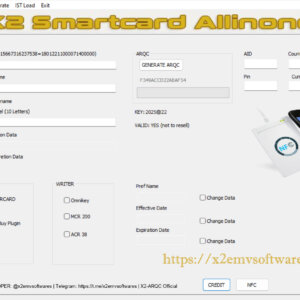
X2 EMV Software is a great tool for making EMV card processing easy, secure, and efficient for people who are allowed to use it. It works with most popular EMV card readers, like Omnikey, MCR, and ACR devices. When you buy it, you get the latest version, X2 EMV Software Version 2026, which is 100% real and doesn’t have any viruses. This new version is better than the old ones – it’s faster, more stable, and more reliable. The IST Gen tool is now simpler to use, and there’s a new feature called POS Simulator that lets users test cards in a safe environment. They’ve also added a built-in BIN checker to make it quick and easy to validate cards, and they’ve fixed the bugs from before to make everything run more smoothly.
What are the key differences between EMV Software 2025 and 2026?
The X2 EMV 2026 software release adds enhanced support for FCR 2.0 file imports to facilitate authorized users’ management of EMV test data in a secure environment. This is the latest version that aims to replace other versions for better security, better performance, and enhanced functionality. Supported FCR 2.0 records can be loaded more efficiently to perform legitimate EMV analysis, card recognition testing, and compliance workflows. The update also addresses previous DLL startup issues and updates the EMV software to enhance its security and stability.
The new version of X2 EMV Software, released in 2026, has some great updates. It’s now more secure, stable, and easier to use for people with authorized EMV solutions. One of the big fixes is that it solves the old DLL error problem, so you can open the software without any issues when you start it up. It also deals with Windows write permissions in a better way, which means the software can start up cleanly and run more smoothly.
What are the key elements to EMV success?
- To get started, the first essential tool you need is reliable EMV software.
- You will need supported smart cards along with a compatible reader/writer device to complete your EMV setup.
- Make sure the data you use is accurate, reliable, and properly aligned with the smart cards.
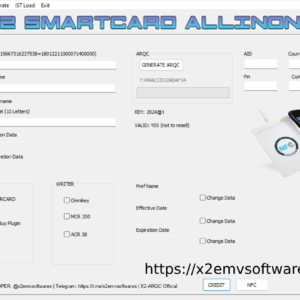
Steps to Generate ARQC:
EMV software is a good method for validating chips. It has been proven to be effective, accurate, and secure. It’s for this reason that many businesses and professionals across the globe rely on it. Here is how it always delivers reliable and accurate results.
- Secure Card Key Generation
- Secure Session Key Generation
- Preparing Your Data for Accurate ARQC Calculation
- Generating the Final ARQC Using Encryption and Hashing
The card key is read and used to generate a secure session key. Once the session key is generated, the transaction data is recorded and encrypted for secure and reliable processing of transactions.
Why should you choose X2 EMV All-in-One Software?
The X2 EMV Reader Writer Software provides a full EMV authorization management, testing, and verification solution. Its flexibility regarding card and reader compatibility, robust security capabilities, and dependable performance metrics ensures seamless integration and optimal operational efficiency in card-based transactions.
X2 EMV Software has been developed to test and validate EMV card compatibilities, payment workflows, and more in an authorized manner. The newer X2 2026 version comes with better stability, new features, and bug fixes as well as a built-in POS simulator and BIN checker for quicker and more accurate card verification.
X2 EMV Software helps with authorized EMV card testing and validation in SDA and DDA card environments. It has wide acceptance on most card networks and reader systems, making it an efficient solution for businesses to handle secure card verification processes.
How to fix the “Side by Side” error in X2 EMV Software 2026 on Windows?
To fix the X2 EMV Software 2026 “Side by Side” error, download and install the Visual C++ Runtime installer. This reverts necessary runtime elements that get restored to launch the software properly. When installing, select Ignore (I) first and then click Yes (Y).
Everything you need to know about X2 EMV software :
1) Is X2 Still Working Right Now?
Yes, the latest EMV software updates, including EMV 2026, are now out and working properly for valid EMV payment testing and processing.
2) What is the key difference between the 101 and 201 dump data?
The difference is that 101 applies to the Track 1 data, and 201 is for Track 2 data.
3) Is cracked EMV software functional?
The majority of EMV software licenses are site-licensed and are not allowed to be installed on many devices. Installation files and system data are always associated with that machine, so that when an unrecognized copy is installed, there are frequently compatibility and performance problems.
4) After I place my order, what is the process for receiving the software?
Once payment is received, we will send you an e-mail message with the instructions on how to download the software and your license key.
5) Why is my EMV USB reader/writer failing to connect or operate?
Note that older USB EMV readers and writers may not accommodate newer EMV cards. Compatibility issues can be addressed by upgrading to a newer device.
6) Is customer support available for individual EMV software orders?
We’re here to help our customers every step of the way, from the beginning to the end.
7) Will future updates require an additional payment?
All future updates will be provided without any extra fees.
8) Which card types work with EMV software?
For best compatibility, we recommend Unblocked Java 2 80K smart cards.
9) What is the current price for X2 EMV software?
The base cost for the EMV software package is approximately $1,499 without hardware included.
10) Will this software clone the chip correctly, without any complications?
The X2 EMV software enables both reading and writing of card data, effectively allowing users to clone payment cards for the purpose of withdrawing cash from ATMs.
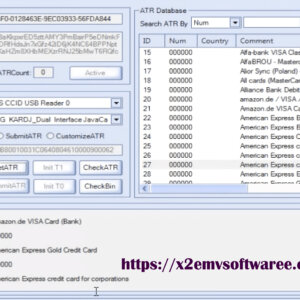
11) What does the ATR Tool do?
The ATR Tool is required to write the card; without it, the card will not function properly.
12) Is it possible to install the EMV software on multiple computers?
X2 EMV software is license-based and can be installed on only one PC per license. To use it on additional computers, you’ll need to purchase extra licenses. After your purchase is complete, we’ll send you the activation key required for installation.
13) Is it possible to make contactless payments at a POS system?
Absolutely, tap payments work without any issues.
14) Which EMV software is regarded as the best option right now?
For the best performance, we recommend using the latest EMV software. The new X2 EMV Software 2026 offers improved stability and reliability.
15) What are the main benefits of using Ready to Work FCR smart cards?
Ready to Work smart cards are ready to use right away without additional hardware or software, but availability may vary.
16) Can X2 EMV Software 2026 be used worldwide?
The latest X2 EMV software is designed to work in countries that support EMV technology.
17) Does the genuine version always come with a license key?
Yes, the EMV software requires a valid license key to run properly.
18) Is it truly essential to have “dumps,” “fullz,” and “IST files” for payouts to function properly?
Yes, the required files must be essential before you can continue.
19) Is it possible to view my balance and take out cash from any ATM?
If you have the original card’s PIN and the valid Track 2 data, the cloned card is basically the same as the real one. This means you can use it to make any transaction that the actual cardholder can make.
20) What is the best operating system to use with EMV software?
For the best results, we recommend installing our software on a computer that’s running either Windows 10 or Windows 11.
21) Where can I buy EMV JCOP cards at a reasonable price?
Get in touch with us, and we’ll guide you to trusted suppliers.
22) Why is my EMV software not working as expected?
To ensure your system runs smoothly and securely, it’s really important to use the latest version of EMV software that you’re licensed for. Avoid using older versions, especially if they’ve been cracked, as they can cause problems and leave you open to security risks.
23) What should I do if there is a problem with my order?
Once your purchase is complete, feel free to reach out through Telegram or email for assistance.
24) Are both an MSR and an Omnikey reader required for the EMV software?
Yes, both the MSR and Omnikey reader are needed for the EMV software to function properly.
25) Where can I find guides or tutorials for using the EMV software?
After you’ve made the payment, you will be sent your license key and access to the video tutorials.
26) Is it actually possible to write 201-track data onto a card?
Of course, our software can perform that task with ease.
27) How do I fix the Windows EMV DLL error?
If you’re experiencing this issue, simply reach out to us on Telegram or by email, and we’ll assist you.
28) Does EMV software require formatted JCOP cards to function properly?
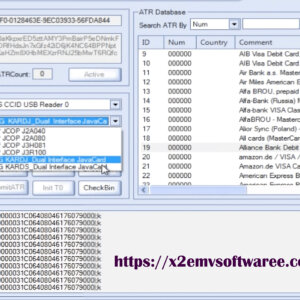
Yes, JCOP cards are supported by the software.
Related products
X2 EMV SOFTWARE
X2 EMV SOFTWARE
X2 EMV SOFTWARE